
Zmrobo
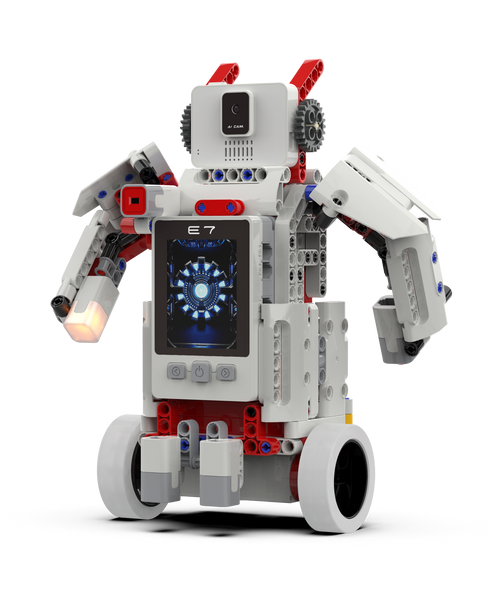
Innovation Storm EV3 STEM Education Robot AI Kit
(No reviews yet)
Write a Review
- SKU:
- PSTEM12
- Shipping:
- Calculated at Checkout


Frequently bought together:
Description
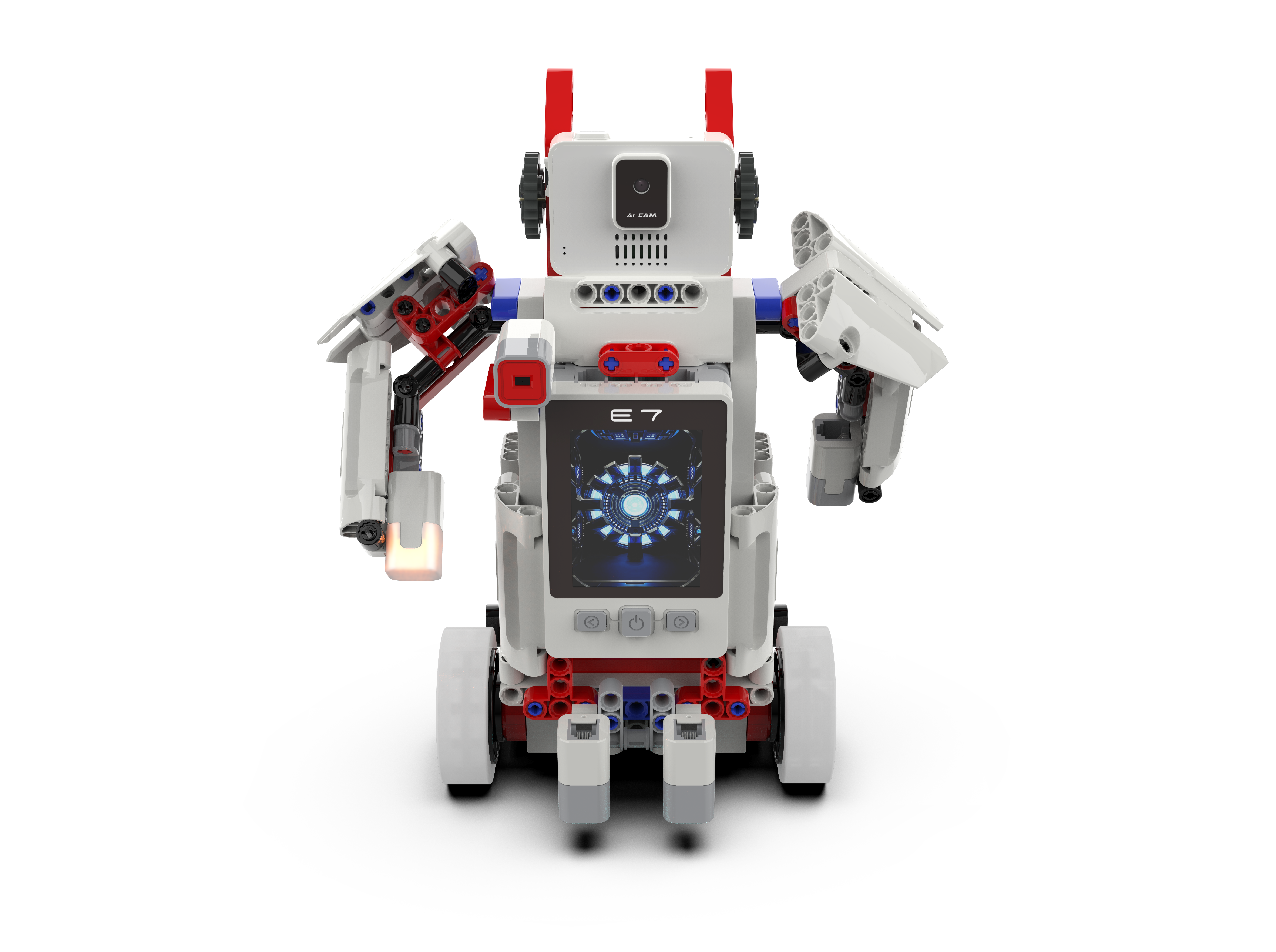
ZMROBO INNOVATION STORM Coding Robot Kit Learning & Educational for Kids to Learn Robotics, Electronics and Programming
Products Description
|
Product name
|
Innovation Storm
|
|
Model No.
|
JMC-NY-2508E
|
|
Function
|
1. In conjunction with the software, camera module can be:
(1)Image Recognition (2)Face Recognition (3)QR code Virtual Recognition (4)Virtual Reality 2. Support 8 kinds of contactless gesture detection, with gesture recognition. |
|
Programming software
|
1. RoboExp software flow chart programming
2. Python and C language code programming 3. Artificial intelligence teaching platform ZMROBO2.0/ 3.0 programming |
|
Application scene
|
1. Competition
2. School studying 3. Preschool children's development intelligence 4. Training center 5. Parent-child education |
|
Built-in battery
|
7.4V 2000mAh lithium battery
|
|
Features
|
1. Support multiple hardware platforms such as PC, PAD and mobile phone.
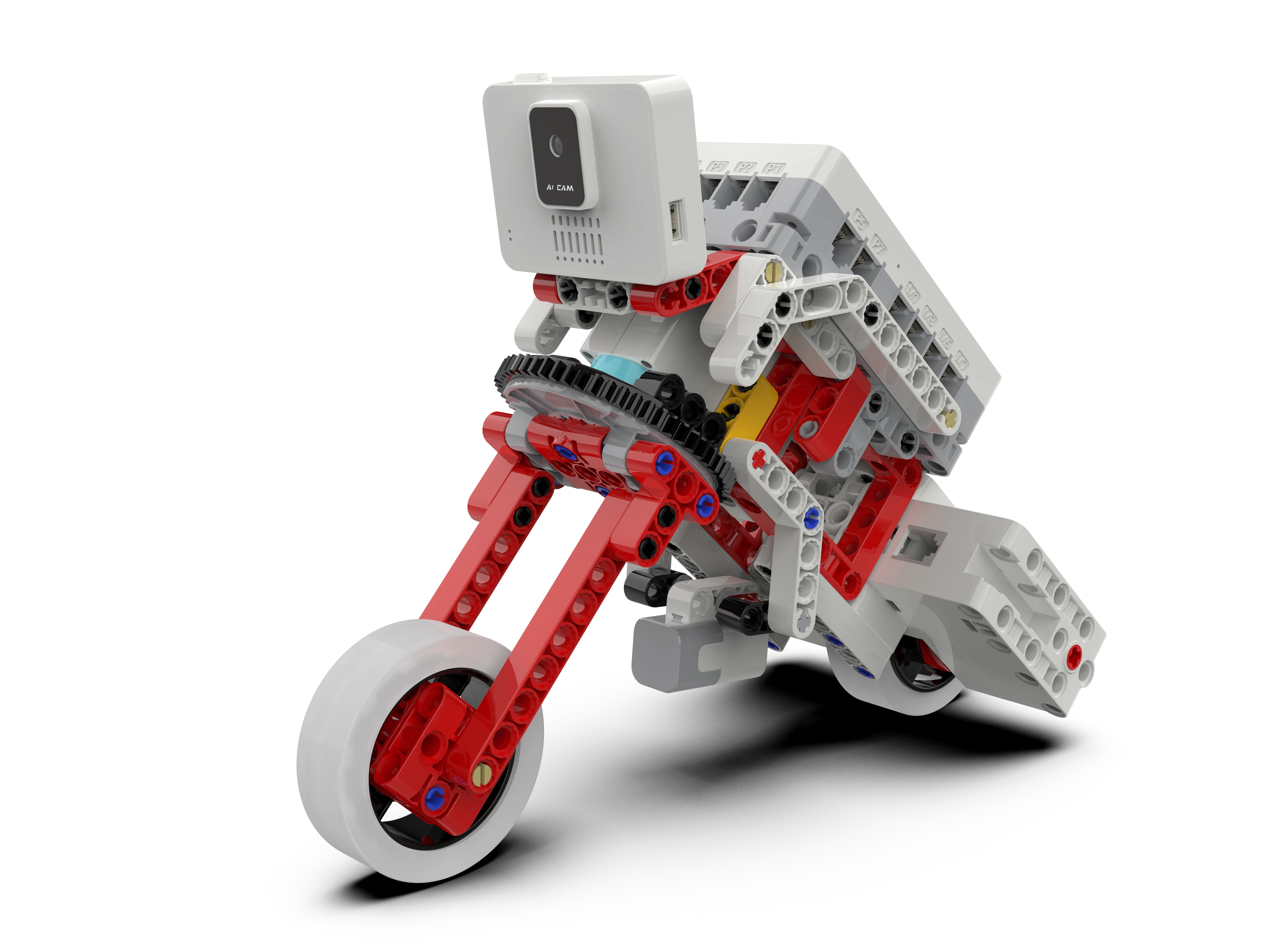
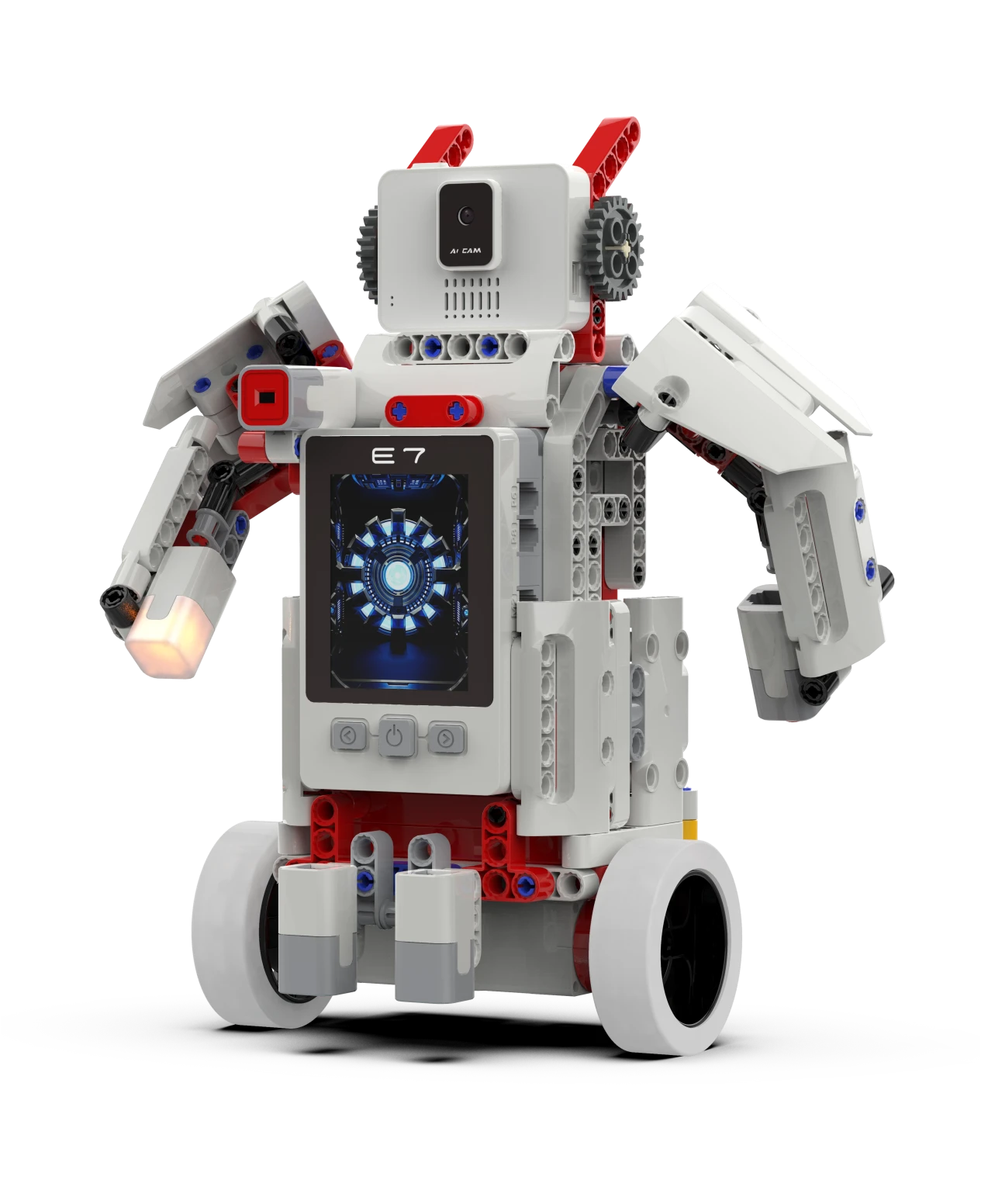
2. Mobile phone APP support camera AI algorithm, face recognition and AR two-dimensional code. 3. 8 sensor ports (digital/analog multiplexing) and 8 motor ports 4. Typical building examples: car, |


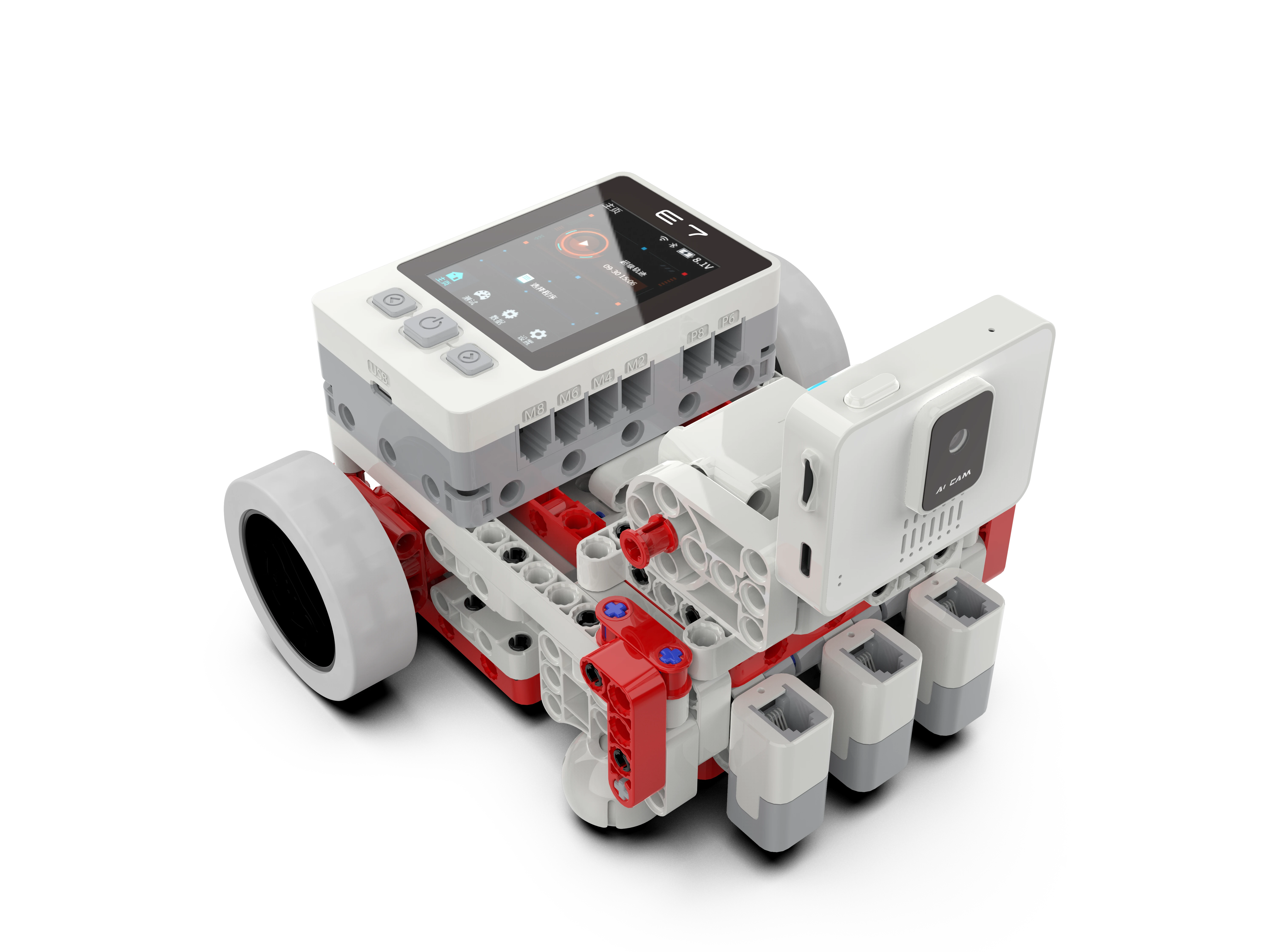
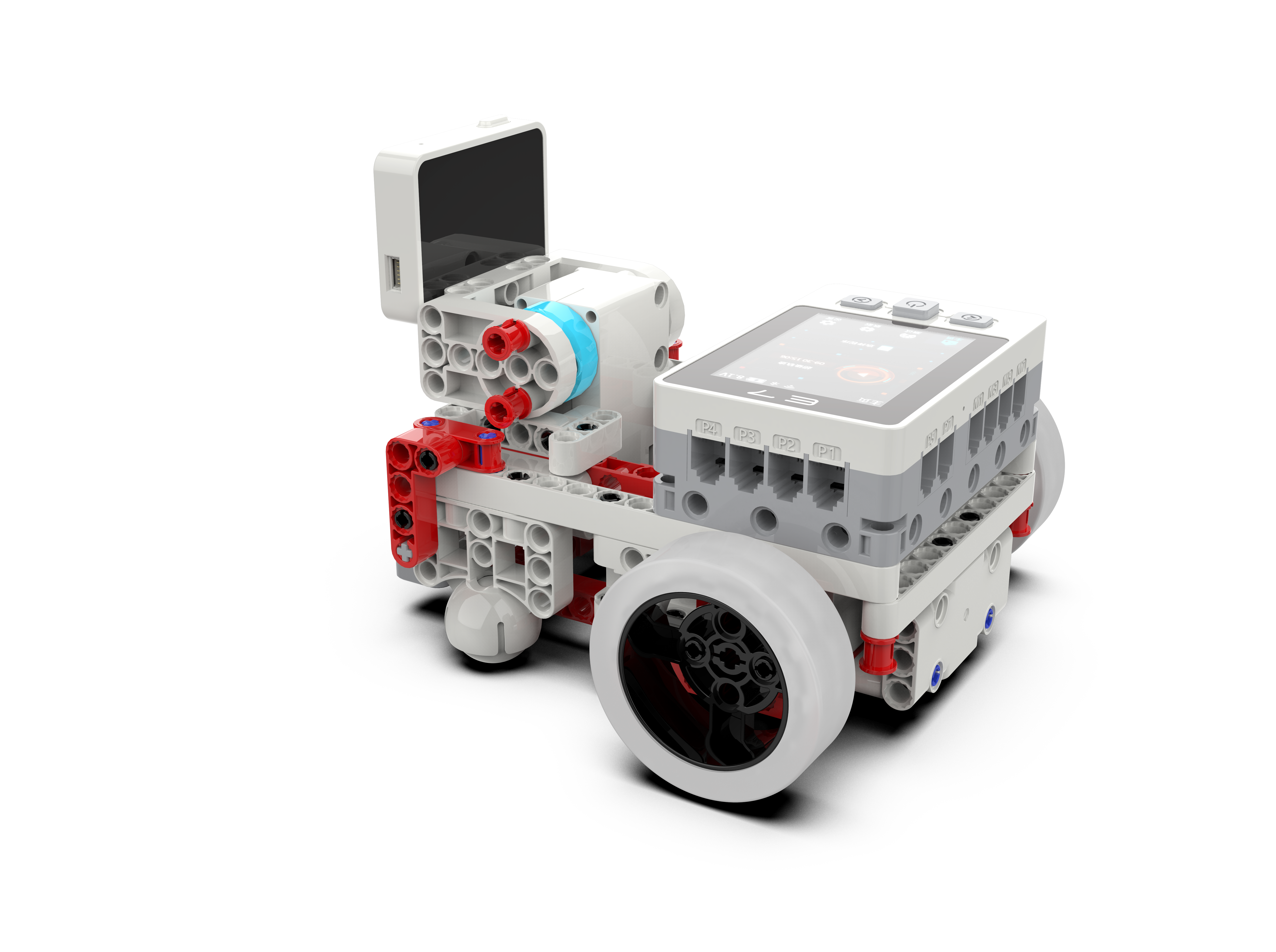
The feature of E7 RCU
High-performance domestic chip,reliable in every lesson. -Equipped with a quad-core CPU (with GPU + NPU) for powerful and smooth Al performance -4-inch touch display for real-time data and program visualization -Built-in Wi-Fi & Bluetooth for wireless connectivity; Integrated microphone and speaker for voice interaction -12 expansion ports can connect ZMRoBO sensors and motors for flexible building and extension.

Scratch software interface
Menu: to create, save as, etc.
Switch stage size: You can switch the stage size to three modes.
Stage: the place to control the role, to paint, move roles, display data, etc.
Role: the place to preview roles, to add, modify, delete, etc.
Script menu: home of programming scripts. When writing program, drag the cards from here to programming area.
Programming area: the place to write programs, by dragging the cards here and combing them.
Shortcut menu: compile and download program, bluetooth connect to RCU, etc.
Switch stage size: You can switch the stage size to three modes.
Stage: the place to control the role, to paint, move roles, display data, etc.
Role: the place to preview roles, to add, modify, delete, etc.
Script menu: home of programming scripts. When writing program, drag the cards from here to programming area.
Programming area: the place to write programs, by dragging the cards here and combing them.
Shortcut menu: compile and download program, bluetooth connect to RCU, etc.
Programming process

Parts list Packaging

Related Products
Related Products


Makeblock mBot2: STEM Education Coding Robot Kit for AI Learning
Makeblock
TZS640,047.74
mBot2 is an educational robot for beginners and advanced students, ideally suited for computer science and STEM classes. Thanks to its advanced CyberPi microcontroller, it is network-enabled. This...
SOLD OUT


Ultimate Robot Kit -10-in-1 Robot - STEM Education
Makeblock
TZS1,059,071.80
The MakeBlock Ultimate 2.0 kit is the perfect way to begin or expand your robotic adventures. It contains over 160 robotic parts and over 80 electronic components which can be used in multiple...


17DOF Biped Robot Educational Kit
Deek-Robot
TZS552,559.20
The Full Set of 17 DOF Robot with 17pcs Digital Servo (Unassembled) provides an advanced robotics kit offering 17 degrees of freedom, allowing for complex and precise movement. Full Set of 17 DOF...
SOLD OUT

4WD Smart Robot Car |Educational Robots
Deek-Robot
TZS195,698.05
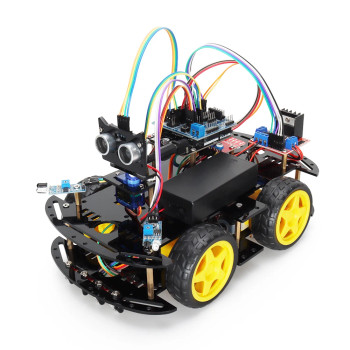
1. Bluetooth controlled robot car kits made of high quality material allows build it and program it easily
2. With tons of published free codes open your imagination, enjoy assembling pleasure
3...
SOLD OUT


Arduino 4WD Robotics STEM Learning Kit
keyestudio
TZS218,721.35
This is a funny smart car kit for Arduino, it aims to disengage users from boring theories and obtain capacity of system development.By learning to program and assemble the robot car, you can finish...