


Frequently bought together:
Description
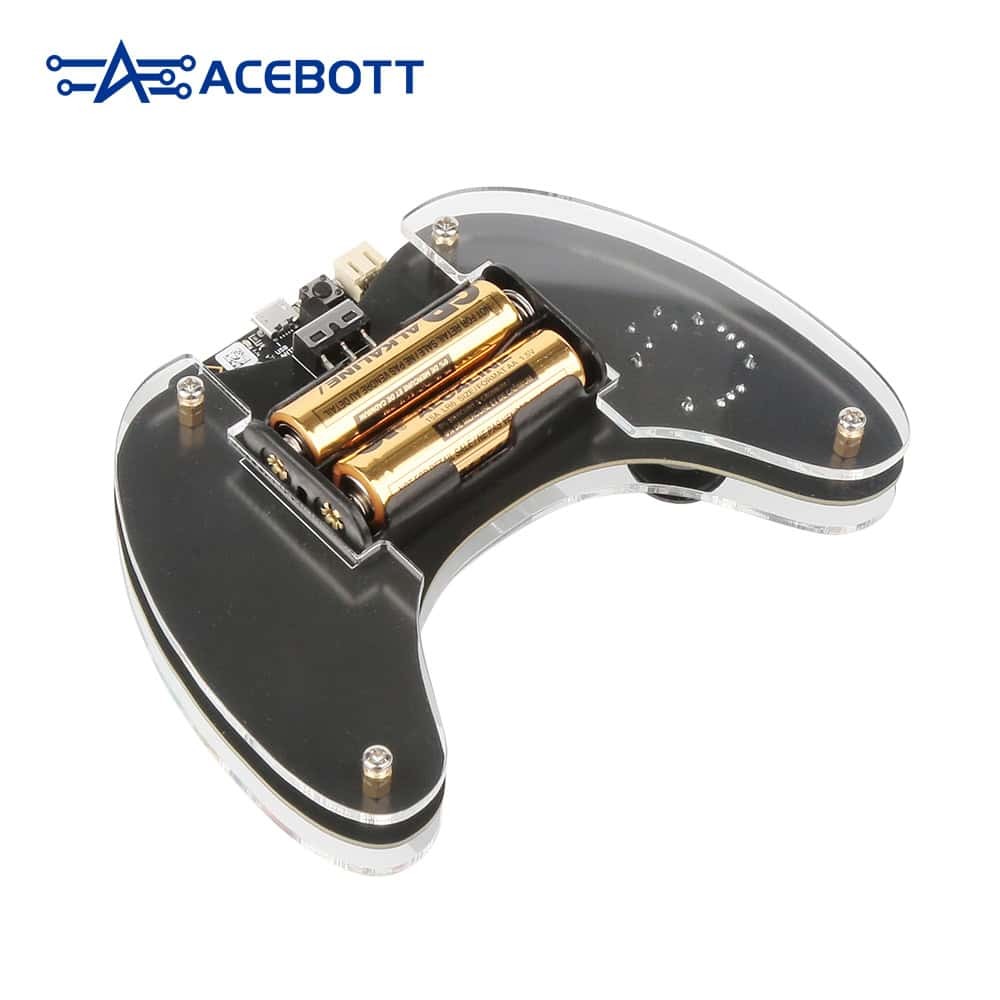
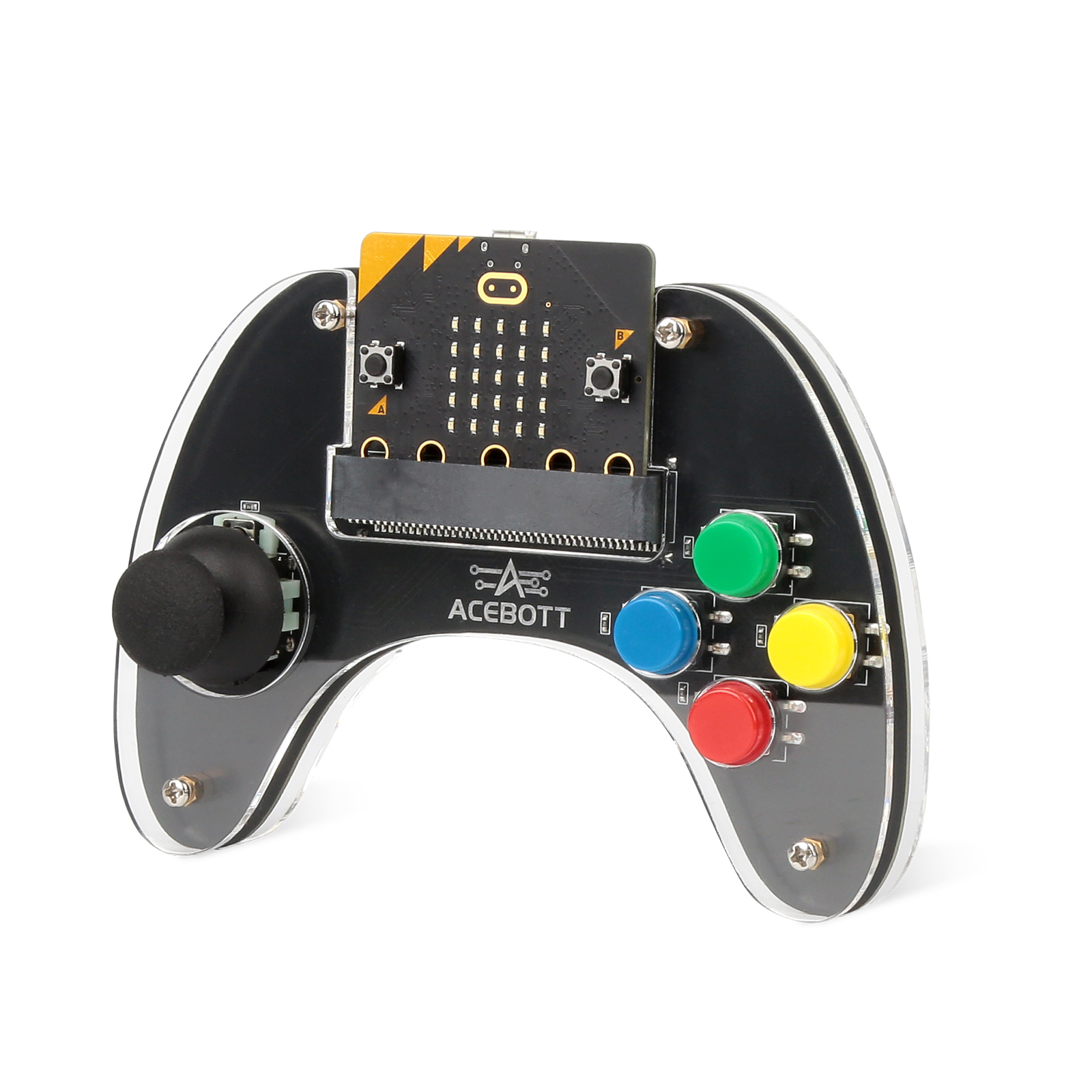
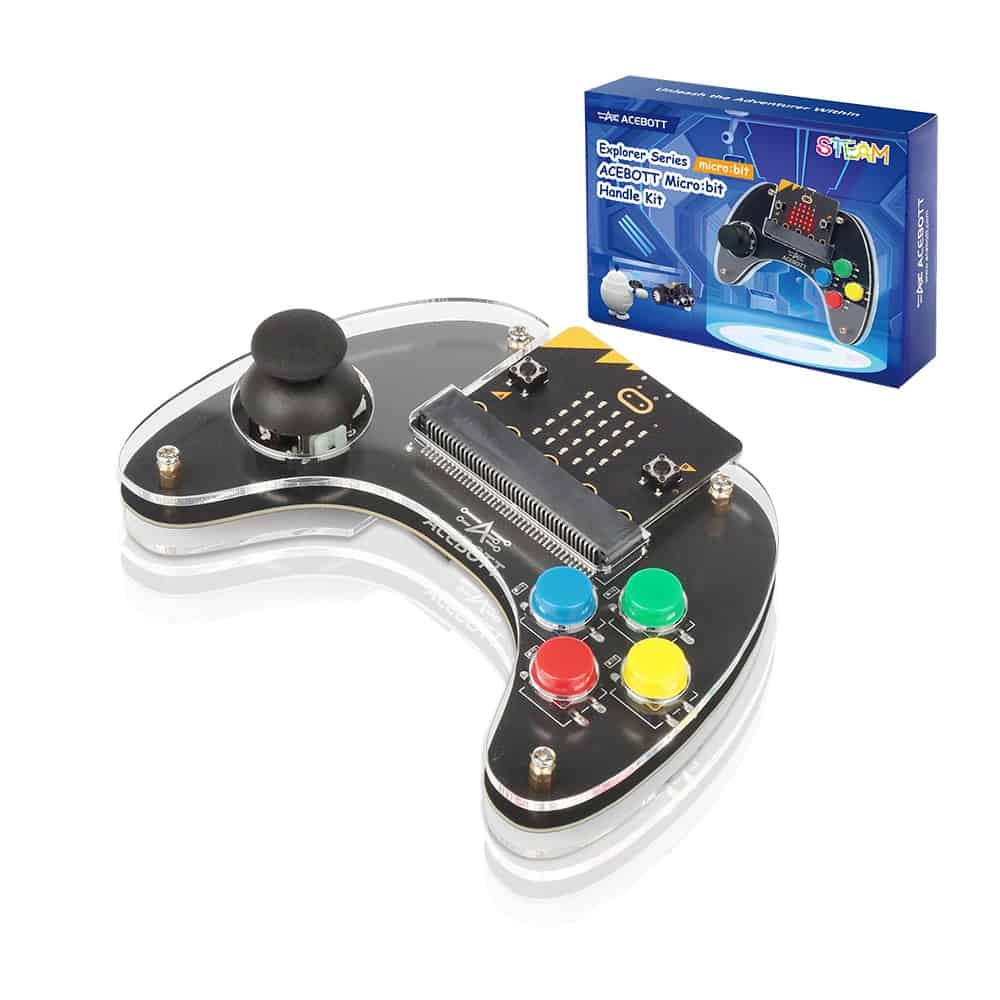
Unlock seamless wireless control with the ACEBOTT Micro:bit Handle Kit—a stylish, ergonomic controller designed specifically for Micro:bit-based robotic kits. Part of ACEBOTT’s Explorer Series, the Handle Kit transforms learning into interactive play by combining joystick movement, responsive buttons, and immersive haptic feedback into one compact, acrylic device. Perfect for classrooms, STEM clubs, or at-home tinkering.
Features:
| CATEGORY | SPECIFICATIONS |
|---|---|
| Product Type | Wireless Gamepad / Controller for Micro:bit |
| Model | QD026 (Explorer Series) |
| Compatibility | BBC Micro:bit V2 and compatible robot kits |
| Control Type | Wireless joystick + 4-button layout |
| Feedback Feature | Built-in vibration motor (haptic feedback) |
| Connectivity | Micro:bit radio communication (wireless) |
| Programming Support | Microsoft MakeCode (block-based coding) |
| Power Supply | Powered via Micro:bit V2 onboard battery |
| Housing Material | Transparent acrylic with reinforced grip |
| Ergonomics | Curved, thick handheld gamepad-style grip |
| Dimensions | Handheld size (approx. gamepad form factor) |
| Age Range | 8+ years (STEM learners, educators, hobbyists) |
| Key Feature | Plug-and-play wireless controller for Micro:bit robotics control |
| Use Cases | Robot cars, robotic arms, drones, STEM learning activities |
Quick Start with the Handle Kit
- Insert your Micro:bit V2 into the Handle housing
- Pair it wirelessly to the target kit (e.g. robot car) via radio
- Load a sample MakeCode program (joystick + haptics)
- Begin hands-on coding: navigate, avoid obstacles, trigger feedback
- Explore advanced lessons: button macros, multi-device interaction
Package Includes:
- 1 × Micro:bit-compatible joystick handle with acrylic casing
- 1 x Micro:bit Microcontroller
- 4 × Tactile control buttons (A/B + custom buttons)
- 1 × Built-in vibration motor for haptic feedback
- User-friendly slot and screw mounting design
- 8-lesson MakeCode Curriculum (downloadable PDF & online)
- Quick-start guide and wiring diagram
Related Products
Related Products


Micro: Bit smart tortoise car kit (Without Microbit)
keyestudio
$65.45
Micro:bit is significantly applied to STEM education for teenagers, as a small microcontroller featuring small in size, easy to carry, and powerful functions. At present, innovative technology...

ACEBOTT STEM Football & Battle Car Robotics Kit
ACEBOTT
$88.55
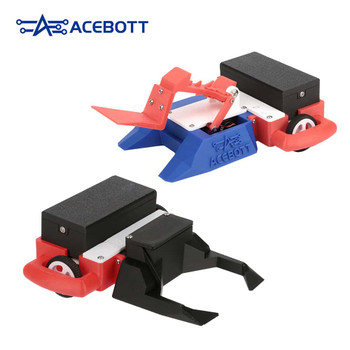
The ACEBOTT QD028 is a 2-in-1 robot car that easily switches from football mode to battle mode. This kit is ideal for STEM education, makerspaces, and home learning. Children can play football on a...

ACEBOTT TruckBott Smart Car Kit with ESP32 Controller
ACEBOTT
$122.43
The ACEBOTT QE032 TruckBott Smart Car Kit is an engaging STEM learning tool powered by the advanced ESP32-S3 controller, designed to inspire young minds aged 8-16. This versatile kit offers two...


ACEBOTT IOT Weather Station Starter Kit (IPX2 Waterproof)
ACEBOTT
$101.06
The ESP32 IoT Weather Station Starter Kit is a hands-on STEM learning tool for kids ages 8-12, designed to teach weather monitoring, IoT programming, and environmental science. Featuring 8 precision...


ACEBOTT Micro:bit-Shield-V1.0
ACEBOTT
$9.24
ACEBOTT Micro:bit-Shield-V1.0 is a miniature multifunctional expansion board designed for the micro:bit. The expansion board utilizes standard color-coded headers, making it easy for users to...