
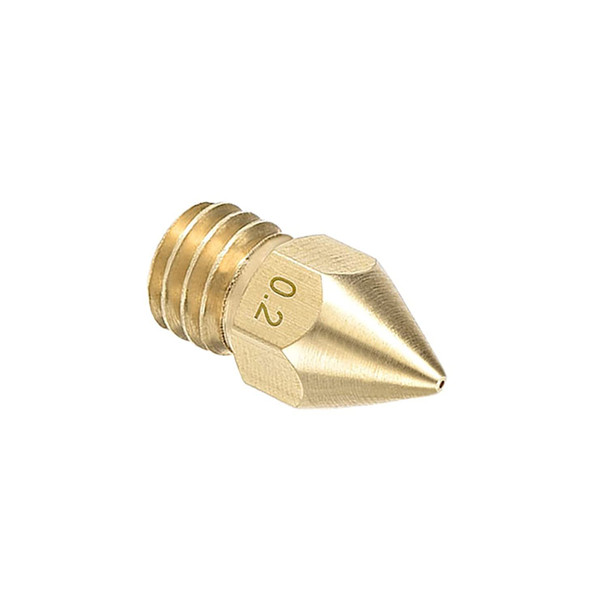

Frequently bought together:
Description
Features:
| CATEGORY | SPECIFICATIONS |
|---|---|
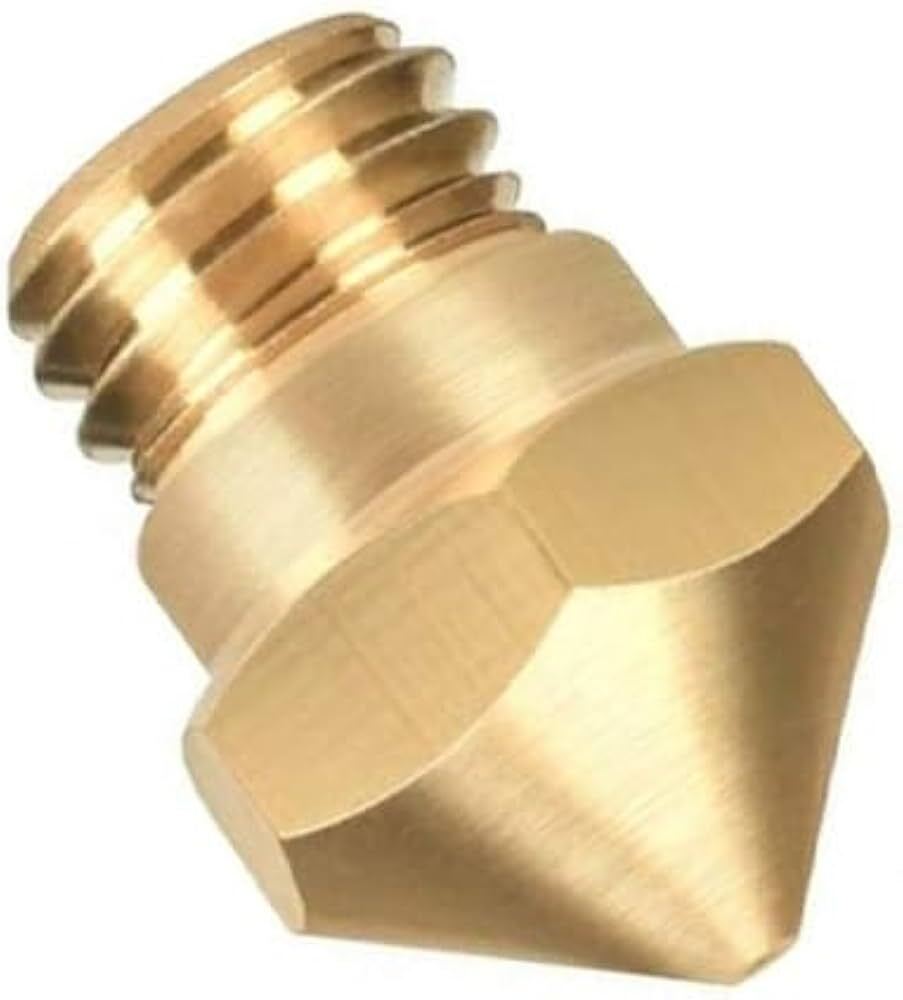
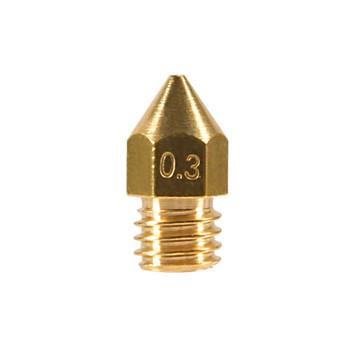
| Product Name | Printer Brass Nozzle |
| Compatible Printer | MK8 Markbot 3D Printer |
| Filament Compatibility | All 1.75 mm printers |
| Connection Type | External M6 threaded connection |
| Material | Brass |
| Color | As shown in picture |
| Working Temperature | 280°C |
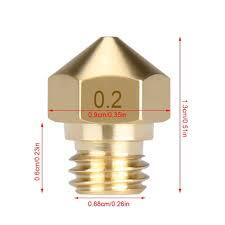
| Nozzle Precision | 0.1 mm, 0.2 mm, 0.3 mm, 0.4 mm, 0.5 mm, 0.6 mm, 0.8 mm, 1.0 mm |
| Input Diameter | 1.75 mm |
| Size | 13 × 5.8 mm |
Package Includes:
1pc* Printer Brass Nozzle
How to replace nozzles?
Step 1: Turn on 3D printer, heat the nozzle and heat block to the target temperature.Step 2: After heat finished, turn off printer, USE SPANNER to hold heat block, USE SOCKET SCREWDRIVER to screw old nozzle out. Attention not to touch the hot old nozzle by hands.
Step 3: Put new nozzle to socket screwdriver, keep spanner holding heat block, screw nozzle in, must be tight and it is done.
Note: After replacing the nozzle, please recalibrate the distance between nozzle and build plate to ensure the quality of print parts.
Related Products
Related Products
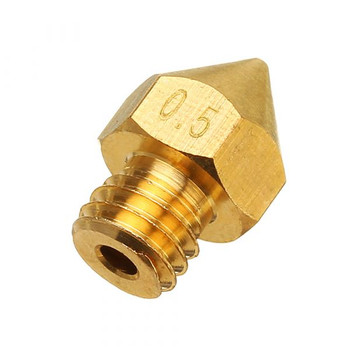


0.4/1.75mm MK8 Brass Extruder Print Head Nozzle
E3D
$1.93
Features:
CATEGORY
SPECIFICATIONS
Product Name
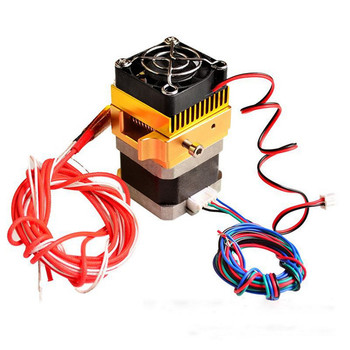

MK8 Extruder J-head Hotend 0.3mm nozzle 1.75mm kit
diymore
$29.26
Features:
CATEGORY
SPECIFICATIONS
Nozzle Diameter
0.3 mm
Movement Axis Speed
10&ndas

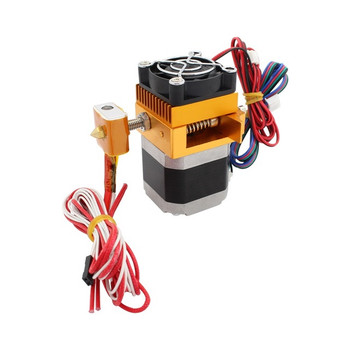
MK8 Extruder J-head Hotend 0.4mm nozzle 1.75mm kit
KINGROON
$29.26
Features:
CATEGORY
SPECIFICATIONS
Nozzle Diameter
0.4 mm
Movement Axis Speed<